
Description
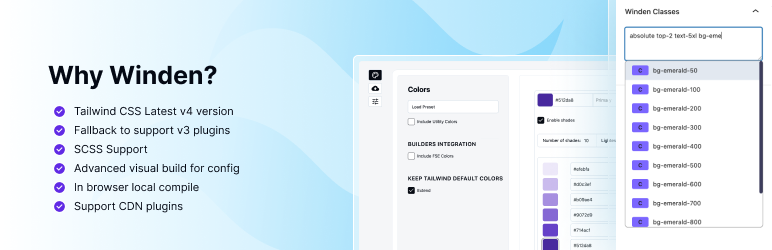
Winden brings the full power of Tailwind CSS v4 to WordPress. Write utility classes directly in your editor and see them compiled in real-time.
Features:
- Full Tailwind CSS v4 support
- Fallback for Tailwind CSS v3 with Config support
- Real-time compilation in browser
- Works with any theme or page builder
- Gutenberg integration
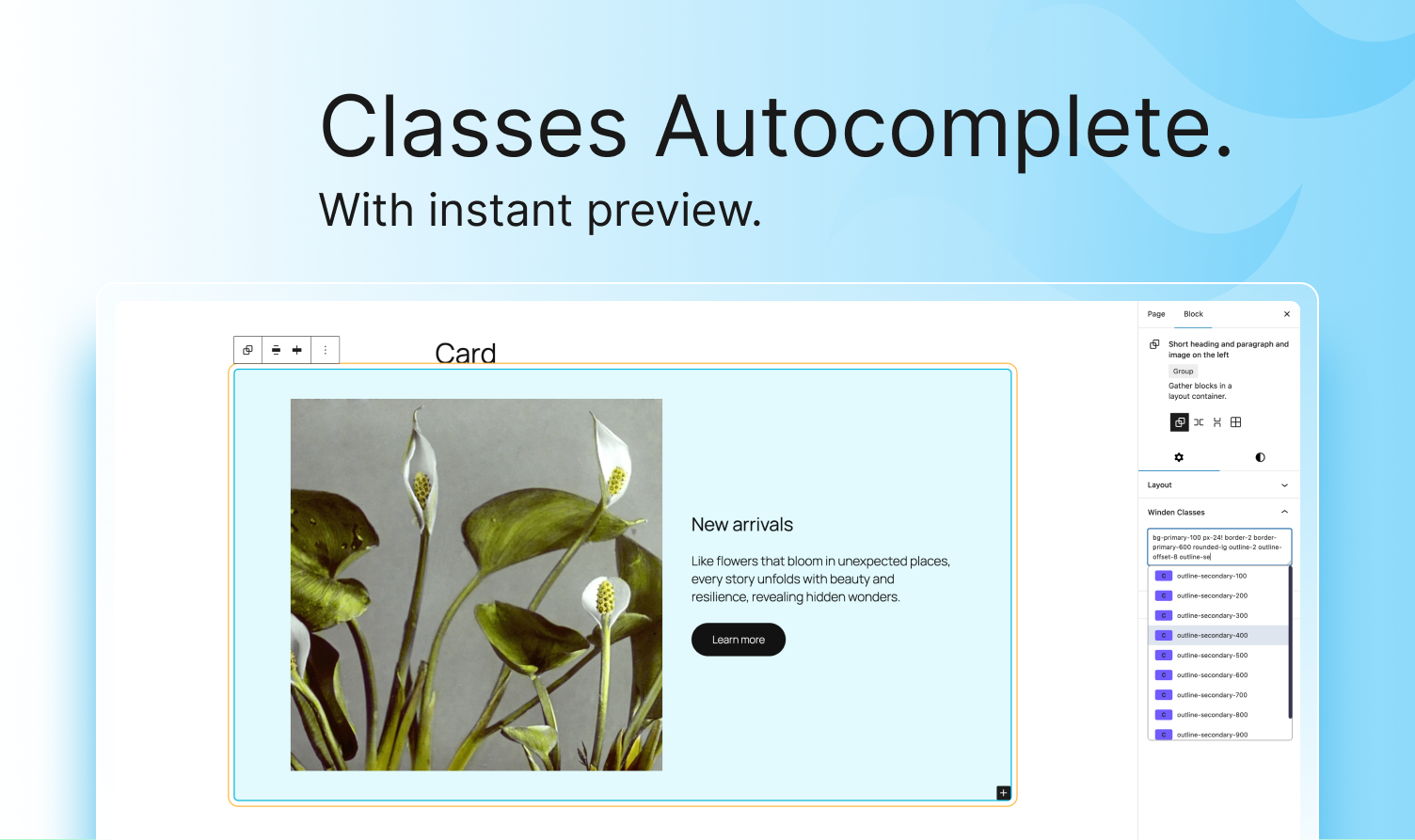
- Winden Classes panel: a visual class helper with autocomplete, colour swatches and CSS previews
- HTML editor: edit any block as HTML, or paste a Tailwind component and get blocks that keep their classes
- Winden Group, Image, Text, Icon and Shape blocks for Tailwind markup
- Developer-friendly
Integrations:
- Gutenberg (free)
- FanCoolo WP (free)
- Oxygen Builder (pro)
- Bricks Builder (pro)
- Elementor (pro)
- Builderius (pro)
Bundled Tailwind Plugins:
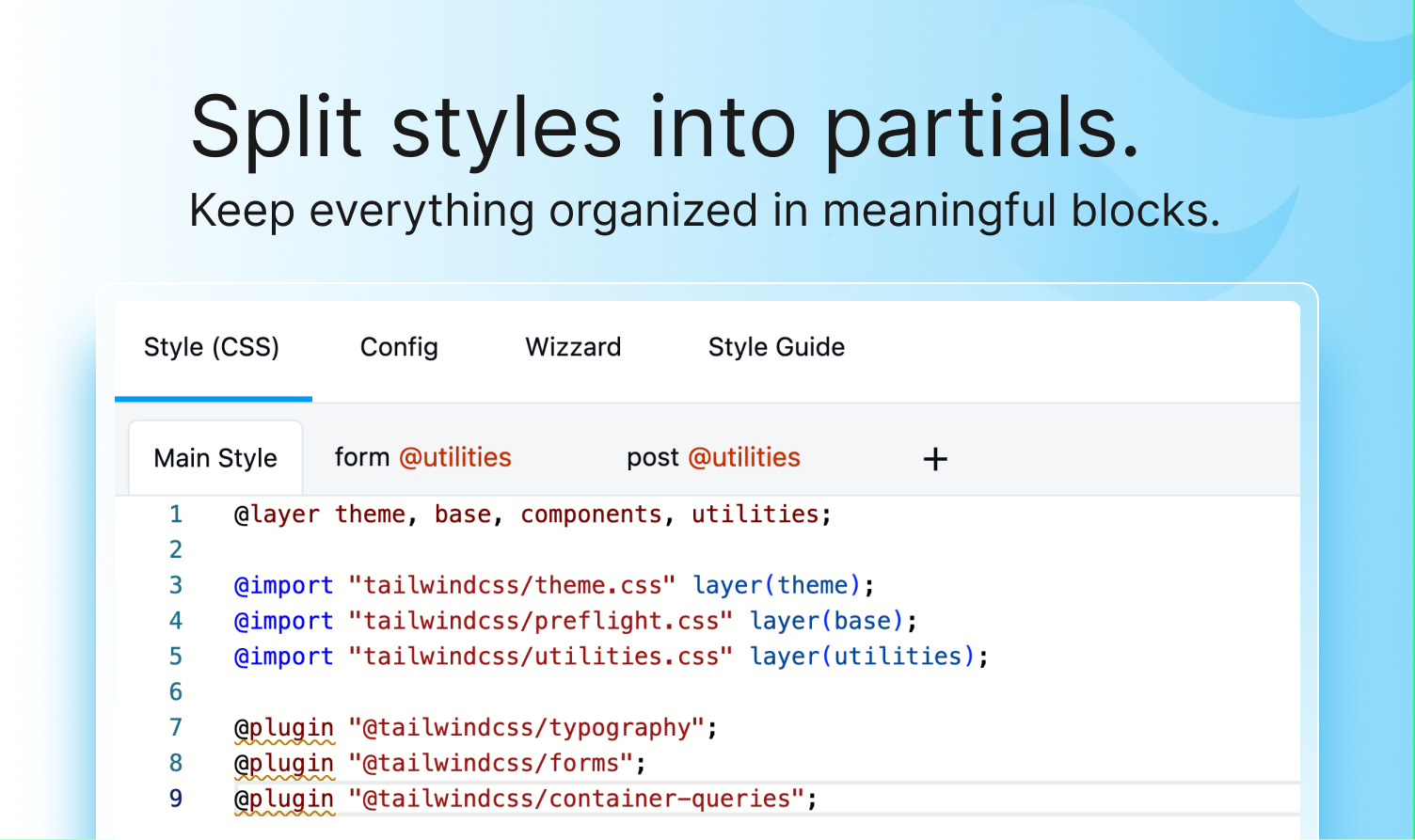
- @tailwindcss/forms
- @tailwindcss/typography
Container queries are built into Tailwind v4.
Easy migration:
* With single copy paste of style tab you can migrate form WindPress and other tailwindcss integration to Winden keeping all the classs in block attributes
External Services
Winden provides optional integration with external services for loading third-party Tailwind plugins. Core features work entirely offline.
Third-Party Tailwind Plugins:
When you use the @plugin directive with an external URL in your CSS configuration, Winden fetches the plugin module at compile time. For example: @plugin "https://esm.sh/daisyui@5";
- Only activated when user explicitly adds a
@plugindirective with a URL - Supports any ESM-compatible CDN (esm.sh, unpkg, jsdelivr, etc.)
- Plugin fetching only occurs during development mode compilation
- In production mode with dev mode disabled, no external requests are made
- No user data or site information is transmitted
npm registry (plugin search):
The Tailwind plugin picker in the Style Editor searches the public npm registry (https://registry.npmjs.org) for Tailwind plugins.
- Only activated when you type into the plugin search
- Sends only the search text you typed
- No user data or site information is transmitted
- npm terms: https://docs.npmjs.com/policies/terms, privacy: https://docs.npmjs.com/policies/privacy
Screenshots
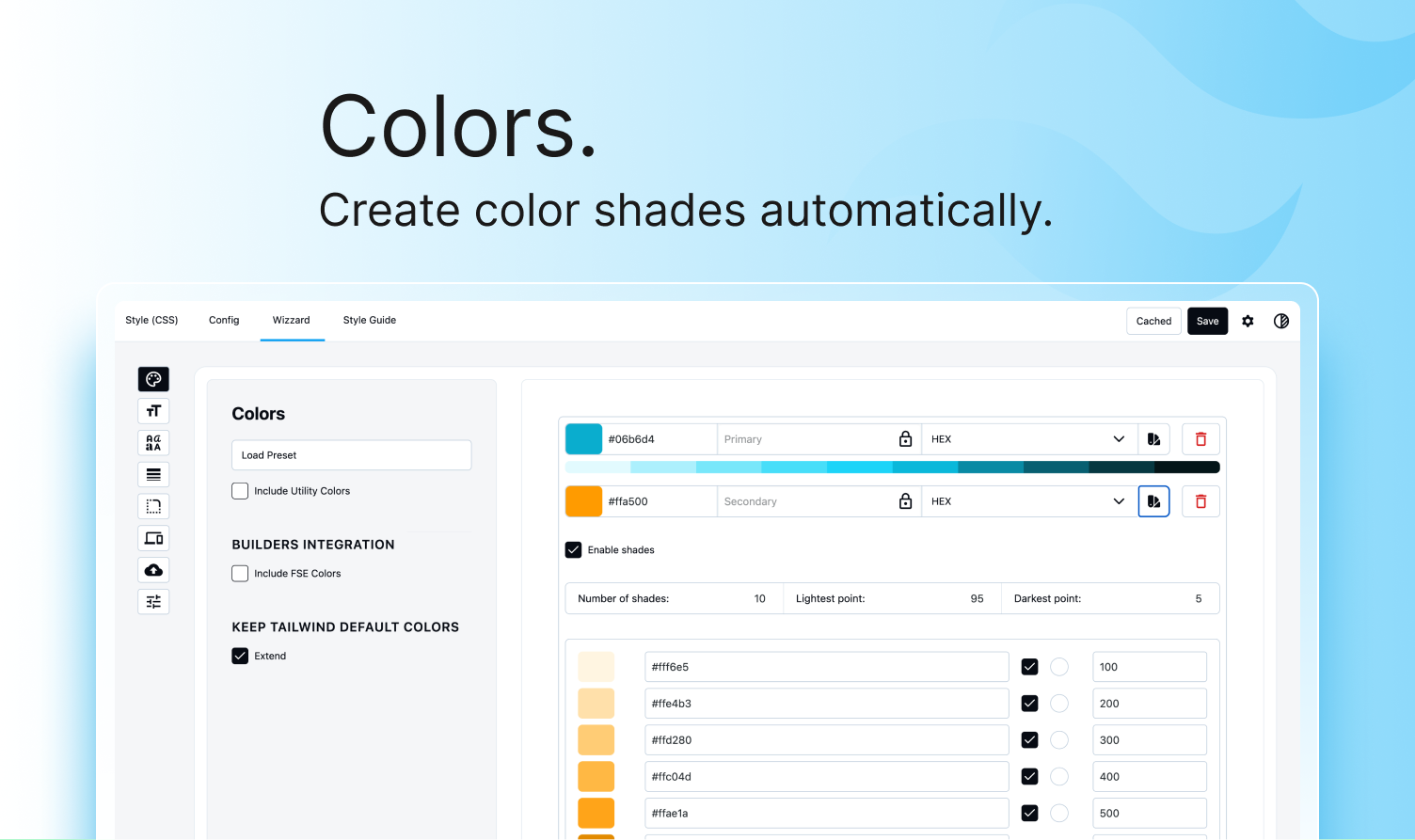
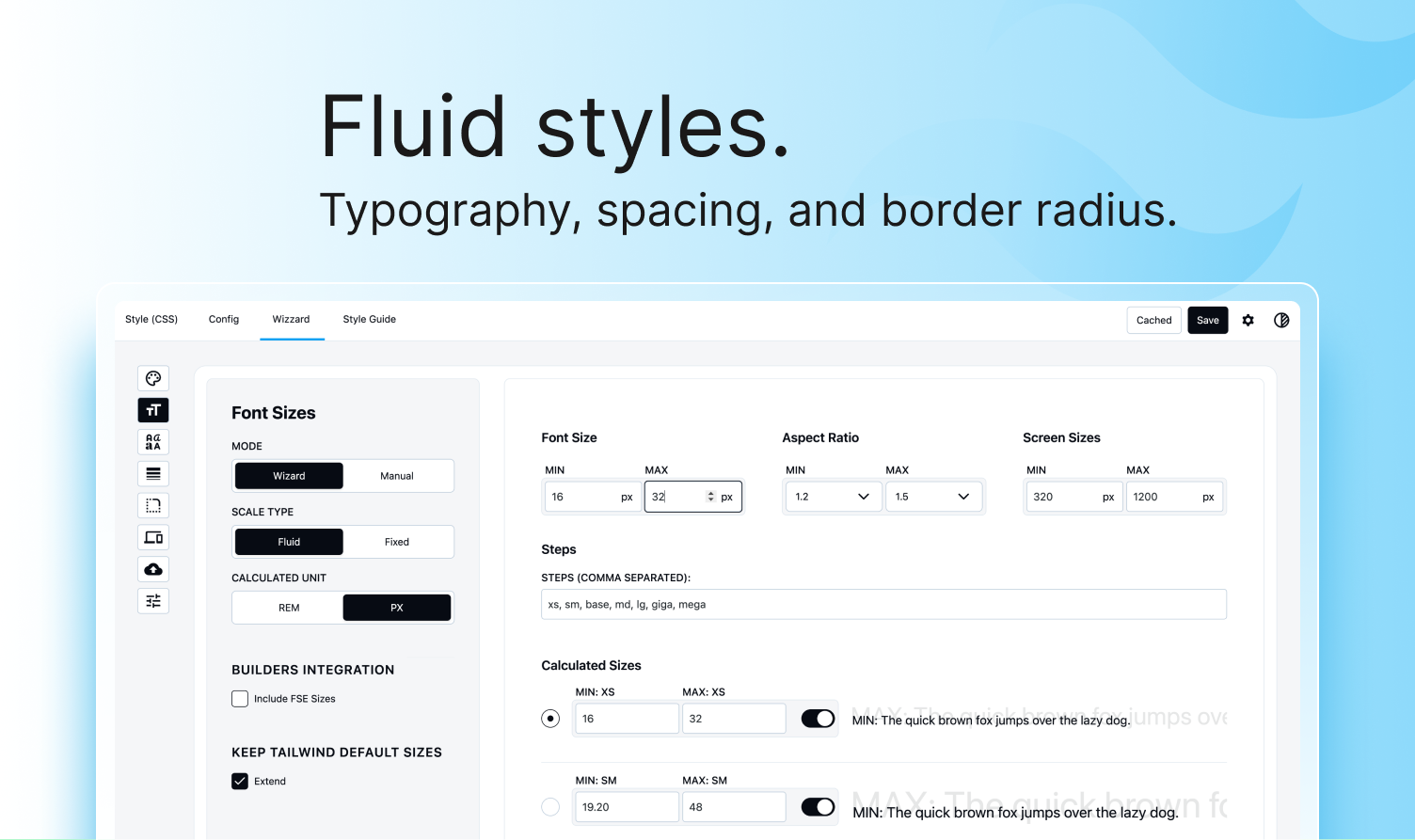
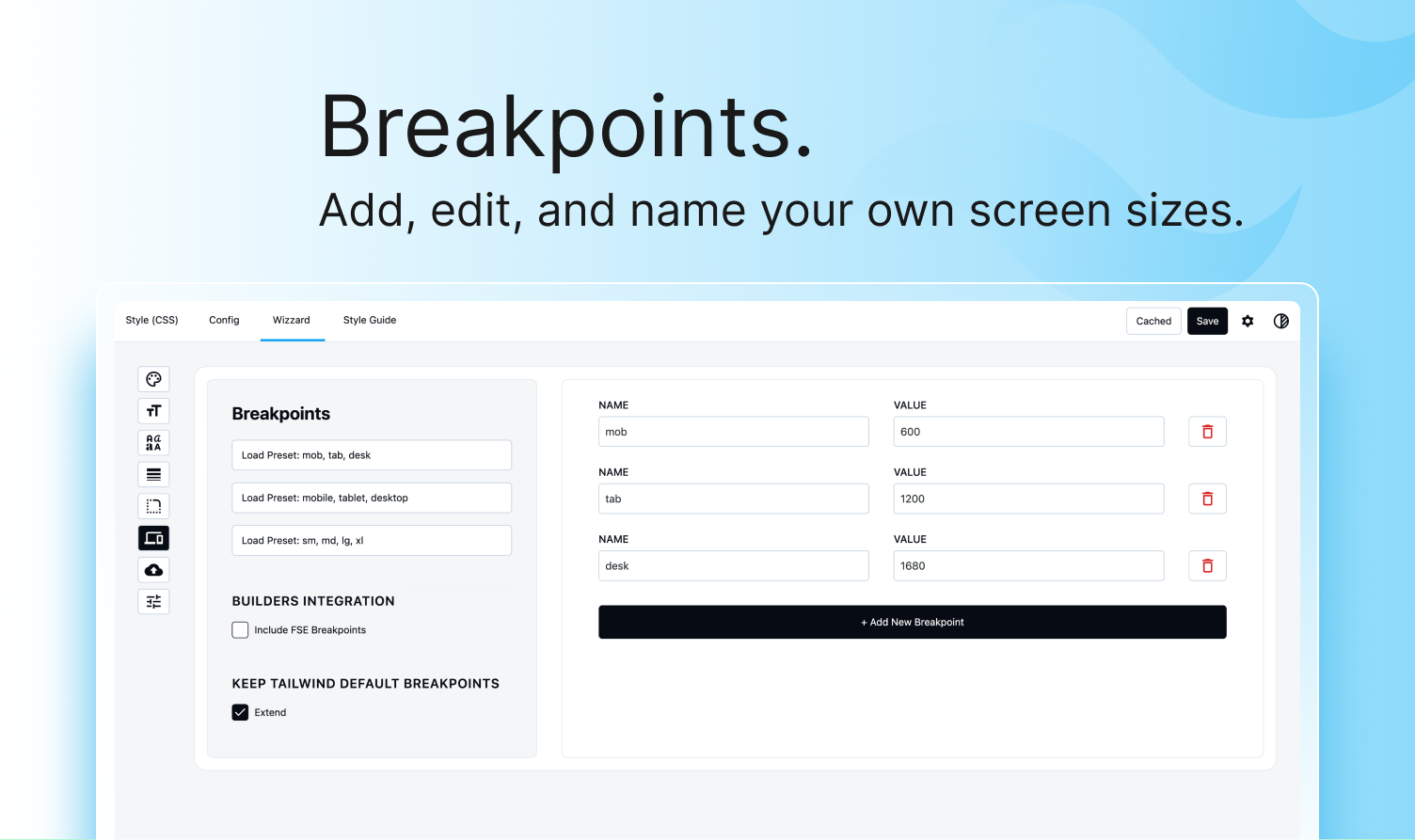
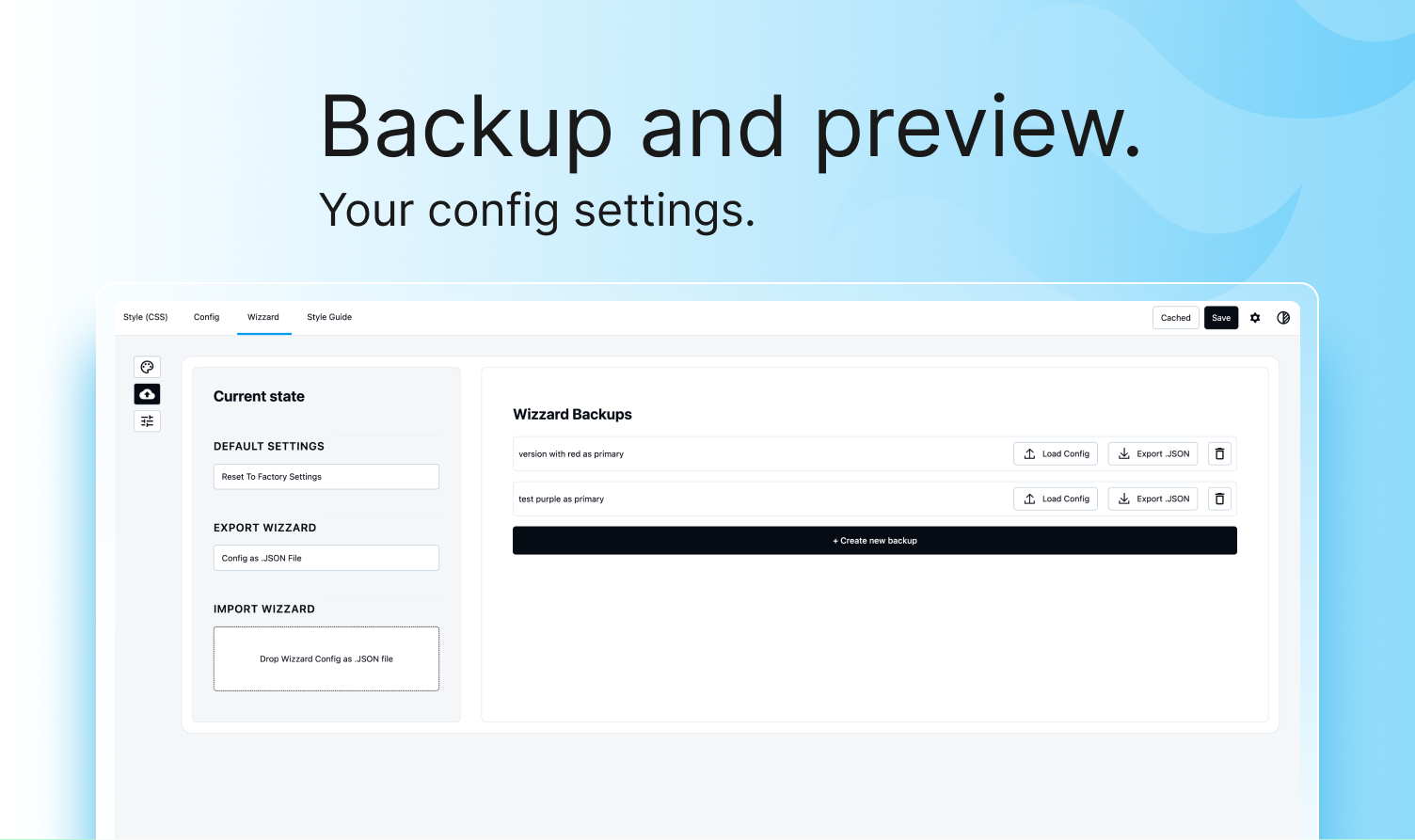
Blocks
This plugin provides 3 blocks.
- Winden Icon The <svg> exactly as it was written — so a heroicon keeps its paths, its viewBox and its Tailwind classes on the element itself. core/icon holds a name from WordPress's icon registry, which pasted markup is not.
- Winden Image Just the <img> — no figure, no caption wrapper — so Tailwind classes such as absolute inset-0 object-cover land on the image itself. Can show the post's featured image.
- Winden Text One element and nothing around it — <time>, <span>, <code>, <button>, <label> — so the tag, its attributes and its Tailwind classes are all on the element the markup asked for.
Installation
- Upload the plugin folder to
/wp-content/plugins/ - Activate the plugin through the ‘Plugins’ menu in WordPress
- Navigate to Winden settings to configure
FAQ
-
Does this work with my page builder?
-
Winden works with Gutenberg out of the box. Pro integrations are available for Oxygen, Bricks, and Elementor.
-
Do I need to know Tailwind CSS?
-
Basic knowledge of Tailwind CSS classes is helpful. Visit tailwindcss.com for documentation.
-
Winden Documentaion
-
Visit tailwindcss.com for documentation.
Reviews


Contributors & Developers
“Winden — Tailwind CSS Compiler with Full WordPress Integration” is open source software. The following people have contributed to this plugin.
Contributors

Translate “Winden — Tailwind CSS Compiler with Full WordPress Integration” into your language.
Interested in development?
Browse the code, check out the SVN repository, or subscribe to the development log by RSS.
Changelog
2.0.2
- Tested up to WordPress 7.1.3
2.0.1
- Tested up to WordPress 7.1.2
2.0.0
- Added: Winden Classes panel, a visual class helper in Gutenberg. Autocomplete in a textarea, a colour swatch beside every colour class, hover a class to read its CSS, and classes that compile to nothing are flagged.
- Added: HTML editor. Edit any block as HTML from its toolbar; the editor docks beside the canvas and follows your selection.
- Added: Paste a Tailwind component and get real blocks that keep their classes, including images, galleries, tables, SVG and links.
- Added: Winden Image, Winden Text and Winden Icon blocks, and the Winden Group and Winden Shape variations for Tailwind markup.
- Added: HTML attributes (aria-*, data-*, style and more) on core Paragraph, Heading, List, Quote, Group, Code, Separator and Preformatted blocks.
- Added: Expand or collapse a whole branch in List View.
- Added: Alt/Option+click a block to jump straight to its Winden Classes field.
- Added: Tailwind plugin management. Search npm for a plugin, add it without writing CSS, and switch it off without removing it.
- Added: Page caches (WP Rocket, LiteSpeed, W3 Total Cache, WP Super Cache, SiteGround and more) are cleared automatically when the compiled CSS changes.
- Improved: The compiler uses native Tailwind v4 APIs, and container queries work through Tailwind v4 itself. Existing Style tabs keep compiling.
- Improved: The editor always compiles on save, even with “Disable Dev Mode” on. The setting now only affects the frontend for logged-in users.
- Improved: A pending CSS rebuild runs the next time an admin opens the editor, the Winden settings or any frontend page.
- Improved: More classes are found: shortcodes and dynamic blocks that depend on the current page, menu CSS classes and widgets.
- Improved: Arbitrary values that contain quotes, such as url() backgrounds and quoted font names, now compile correctly.
- Improved: Faster admin. Monaco loads only where there is an editor.
- Improved: File scanner tri-state checkboxes, file-count badges and a loading spinner.
- Improved: Tailwind CSS v4.3.3.
- Fixed: Undo (Ctrl/Cmd+Z) in the Style Editor could replace a tab with another tab’s content.
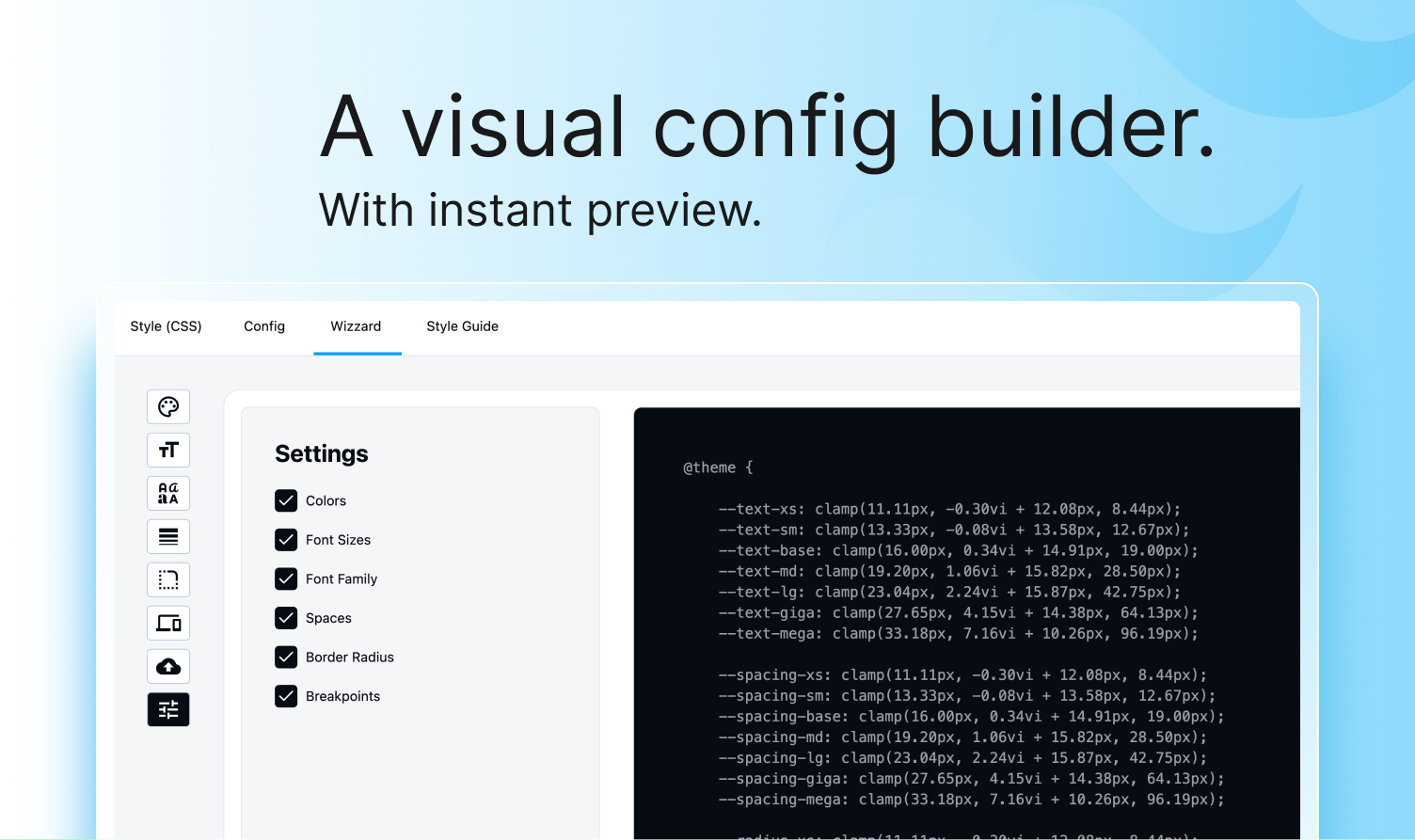
- Fixed: An empty Wizzard deleted the whole theme.
- Fixed: After switching blocks, autocomplete could show the previous block’s suggestions.
- Fixed: Autocomplete took focus away from other editor fields.
1.4.4
- Tested up to WordPress 7.1.2
1.4.3
- Tested up to WordPress 7.1.1
1.4.2
- Tested up to WordPress 7.1
1.4.1
- Tested up to WordPress 7.0.4
1.3.9
- Tested up to WordPress 7.0.3
1.3.8
- Tested up to WordPress 7.0.2
1.3.6
- Tested up to WordPress 7.0.1
1.3.4
- Tailwindcss update to 4.3.1
- Fixed clearing cache on post save
1.3.2
- Added back “‘svg-painter” in scripts dependencies so SVG custom icons are recolored
1.3.1
- Updated dependencies for build compatibility
1.3.0
Editor Experience
* Reorder & hide editor tabs – Drag tabs to rearrange or hide unused tabs
* Unsaved changes protection – Browser warns before leaving with unsaved work
* Style tab content preservation – Custom CSS now preserved when toggling tabs on/off
* Improved error visibility – Cache errors highlighted with red color and warning icon
* Better tab labels – Clearer descriptions for “Main Style” tab, removed confusing lock icon
Wizzard Design Tokens
* Welcome screen – First-time users get clear instructions and quick Settings access
* Clearer builder integration labels – “Use Bricks colors” instead of vague “Include Bricks”
* Simplified scale calculator – Replaced “mega/giga” jargon with familiar Tailwind defaults
Performance & Reliability
* Fixed cache collisions – Large config files now compile reliably without stale CSS
* Improved class detection – Removed classes now properly disappear from output
* CDN plugin loading – Automatic retry on failure with 10-second timeout
* Security improvements – Added security checks to compilation endpoints
* Tested with WordPress 7.0
Bug Fixes
* Fixed Monaco editor autocomplete appearing at wrong times
* Fixed false “content changed elsewhere” warnings
* Fixed Bricks Builder autocomplete hover issues
* Fixed Oxygen Classic integration
* Fixed color value validation and reset functionality
* Fixed rare SCSS hang when another plugin already loaded Sass
* Fixed tab visibility flash on page load
* Fixed double class instantiation issues
1.2.6
- Tailwindcss update to 4.3.0
1.2.5
- Tailwindcss update to 4.2.4
1.2.4
- Tailwindcss update to 4.2.3
1.2.3
- Fixed
getBricksThemeFontFamilies()overwriting global$postduringadmin_enqueue_scripts, which prevented custom fields (meta boxes) from saving in Gutenberg for any CPT when Winden was active
1.2.2
Hotfix
* Fixed calculator
* Fixed style guide
1.2.1
Hotfix
* Pass tailwind default colors to the builders
1.2.0
Feature
* Add default colors from Wizzard
1.1.3
Bug Fixes
* Fixed color shade toggle. It was passing shades to Gutenberg regarding of the setting
1.1.2
Improvements
* Updated TailwindCSS to v4.2.1
* Updated admin scripts with npm to latest version for security reasons
1.1.1
Features
* Cache popup now have list of classes that were scanned in the process
Improvements
* Color Management
* Custom shade colors are now properly preserved during color regeneration.
* Better input validation and error handling for color names and hex values.
* Improved breakpoints caching and performance in autocomplete.
* Compiler and watcher scripts now only load for logged-in users, preventing 400 AJAX errors from anonymous visitors.
Bug Fixes
* Fixed color shade updates not reflecting base color changes.
* Improved cache popup behavior.
1.1.0
Features
* Text Class Editing Support
* Multi-Tab Save Protection If someone else (or another tab) saves while you’re editing, you’ll get a warning instead of your changes being silently overwritten.
Improvements
* Color Picker Visibility
* Fixed the color picker being cut off by overflow: hidden on the layout.
* Color Shade Updates
* Changing a base color now correctly updates all generated shades.
* Multi-Word Color Names
* Color names like “Blue Light” or “Blue Dark” now display correctly in the Style Guide preview.
* Smoother Shade Sliders
* Dragging shade sliders is now more responsive with less lag.
B* etter Error Messages
* Save and fetch errors now show clearer messages in the browser console. Enable WP_DEBUG to see detailed timing and diagnostic info.
1.0.9
- Improved: Tested up to WordPress 6.9.1
- Fixed: Scripts loading on frontend when user was logged out
1.0.8 > 1.0.0
- Initial release
1.0.0
- Initial release